What's the quickest way to take a note?
Taking a note should take a few seconds, not a small project. Here are the steps in Flipnotes next to Apple Notes, Evernote and OneNote, so you can count for yourself.
- Open the app, type, tap Save. That is the whole job.
- Notebooks and sections feel like paperwork to us, not a quick note.
- To us, folders are a chore you do after the note.
- Mic, camera and pin sit in the same bar.
What matters most in a notebook
Ask people what they want from a notes app and two things come up: find a note again quickly, and write it down quickly in the first place.
The second one matters more. If saving a note takes a minute, you stop doing it. The phone number you meant to write down stays in your head, and then it's gone. Search can't find a note you never wrote.
So count. How many steps does it take to save one typed note in each app, and get it sorted? Apps built around folders, notebooks and sections leave the sorting to you: a quick note in OneNote lands in Quick Notes, for you to move later. To us that feels like filling in a form when you just wanted to jot something down.
Saving one typed note, app by app
The steps to save one typed note on your phone and have it sorted. Apple Notes and Evernote can save in three, but the sorting is left to you. In OneNote a quick note waits in Quick Notes until you move it.
Apple Notes
- 1Open the app
- 2Tap the new note button
- 3Type
- 4Move it into a folder if you want it sorted
Evernote
- 1Open the app
- 2Tap New note
- 3Type
- 4Pick a notebook and add tags if you want it sorted
OneNote
- 1Open the app
- 2Start a quick note
- 3Type
- 4Move it to a notebook and section if you want it sorted
Flipnotes
- 1Open the app. The writing bar is already there
- 2Type
- 3Tap Save
Three steps, and the filing is done. Elsewhere, the sorting is another job for you, and a note you did not sort lands in the default folder or notebook.
The writing bar is the first thing you see
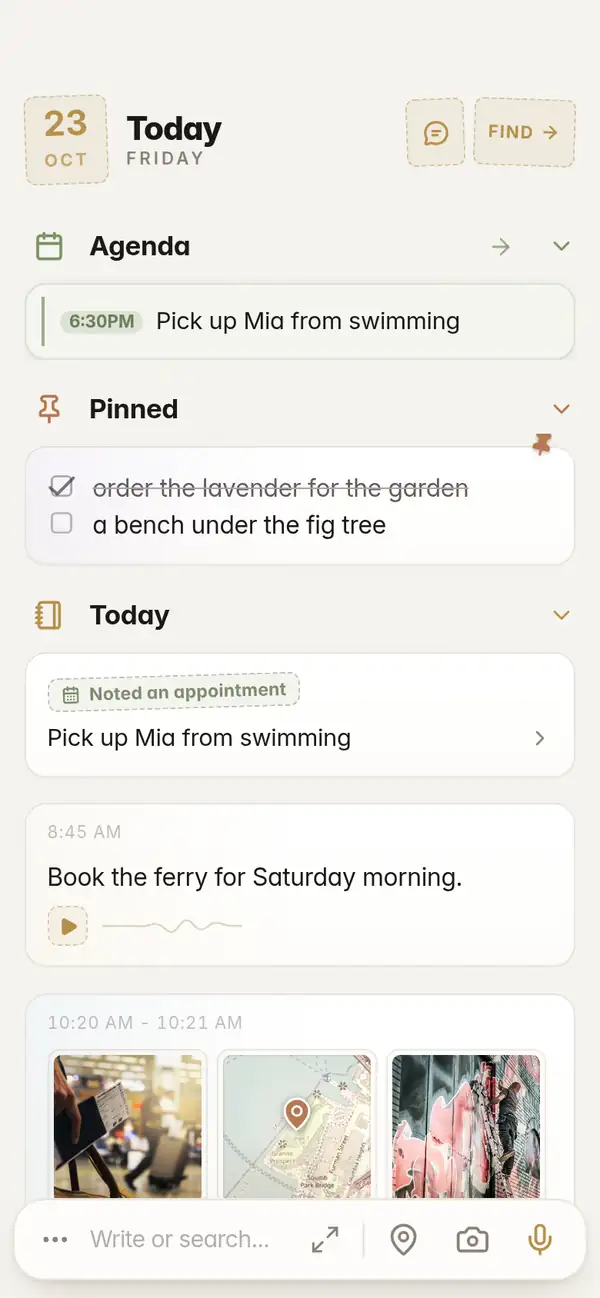
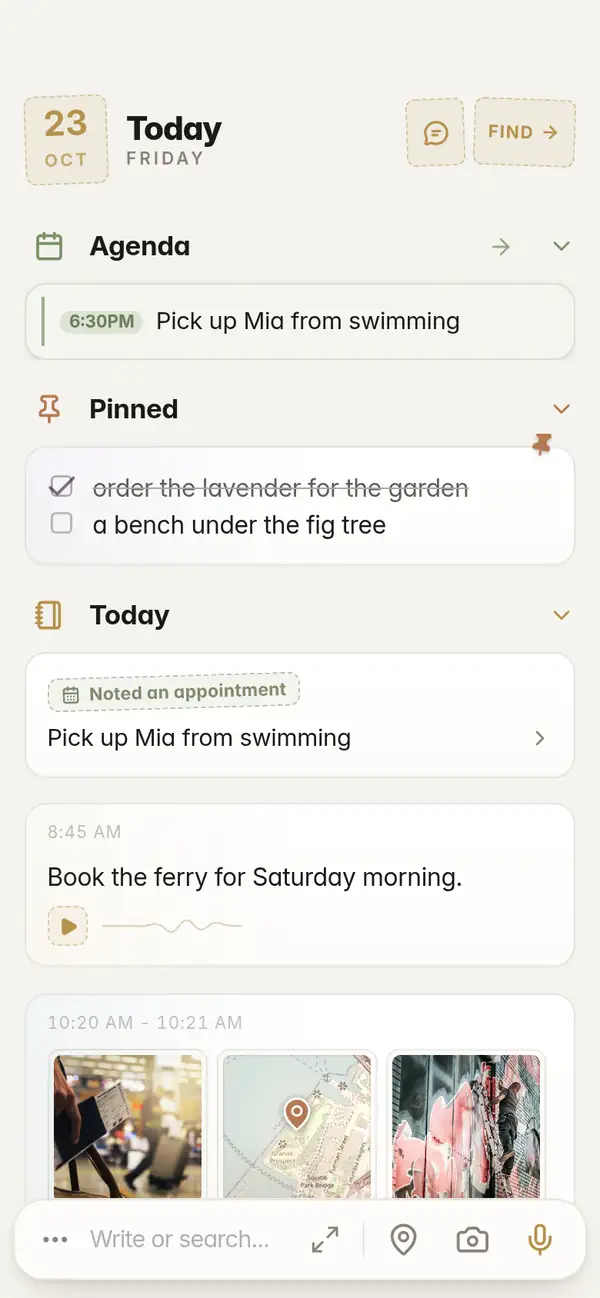
Flipnotes opens on today's page, with the writing bar at the bottom. Type and tap Save. There is no list of notebooks to get through first.
The same bar has a mic for talking, a camera for photos and a pin for the place you are standing in. Nothing to open first, nothing to switch on.
Talking is faster than typing
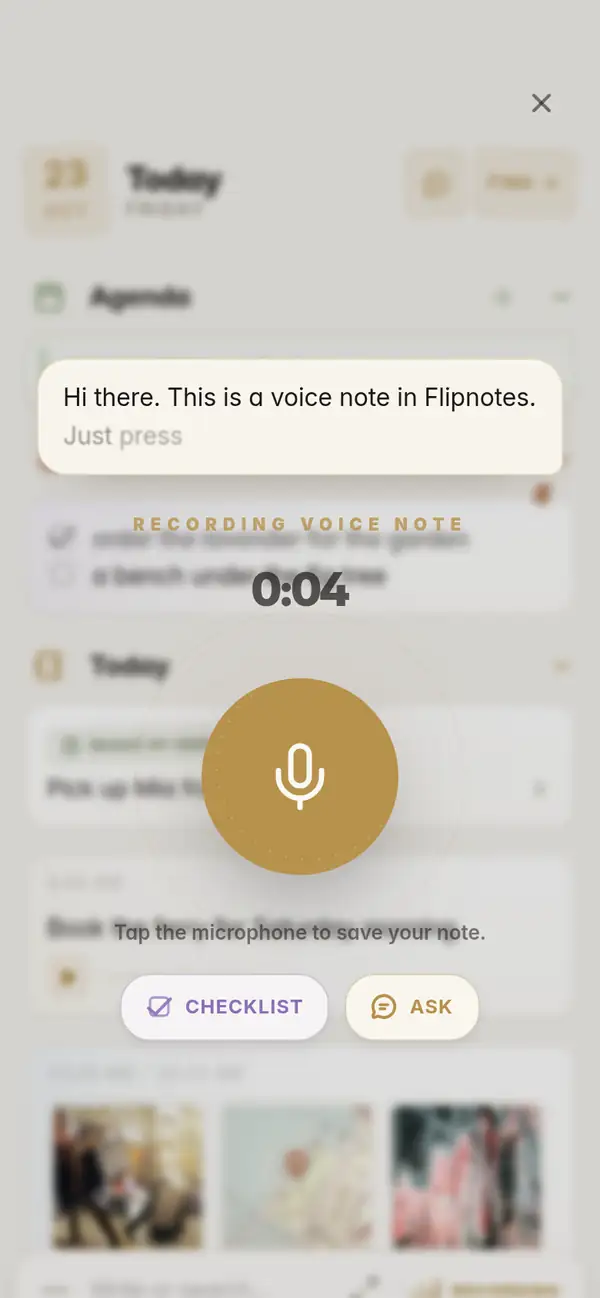
Tap the mic and say what you want to remember. Flipnotes types it out as you speak and keeps the recording too.
It works well when your hands are busy, when you are walking, or when the note is long.
Open a note from the past
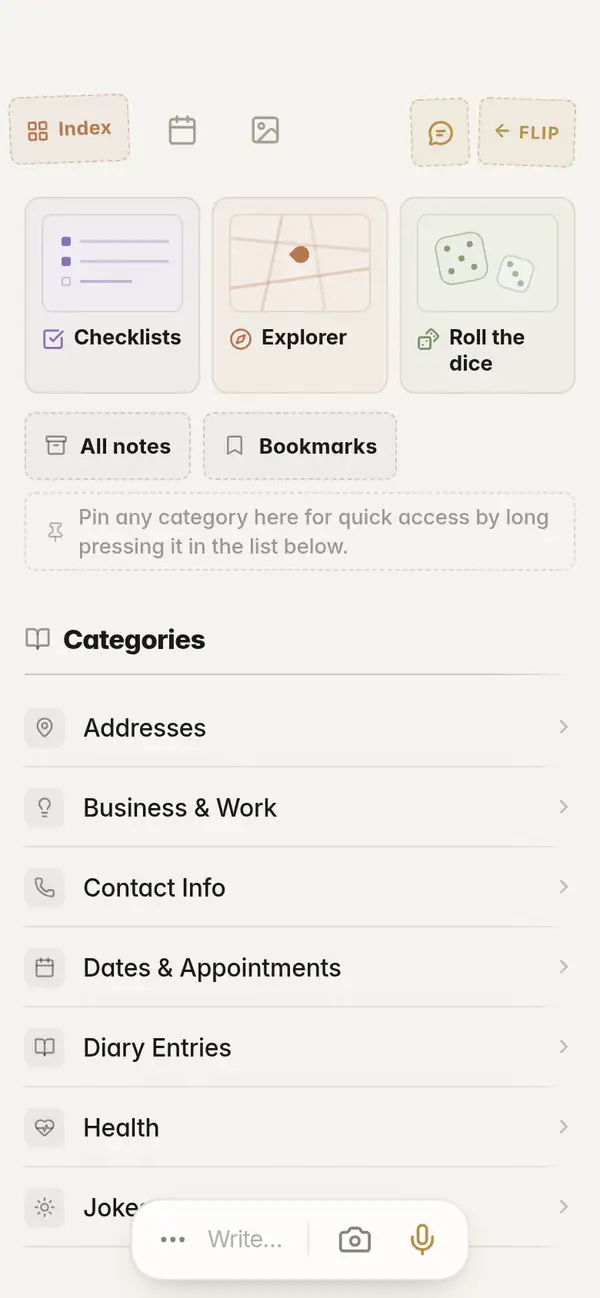
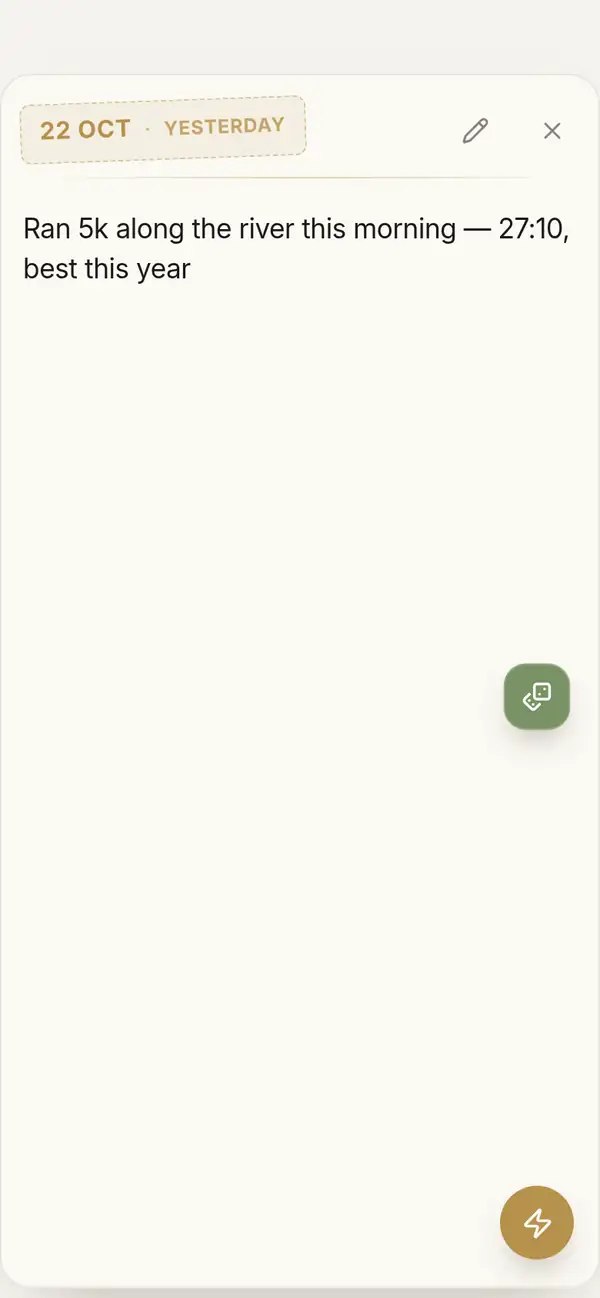
Tap Roll the dice and Flipnotes opens a random note from your notebook. It might be a recipe, a plan, or something you wrote years ago and forgot.
You can keep going to the next one. It's a nice way to look through everything you've saved.
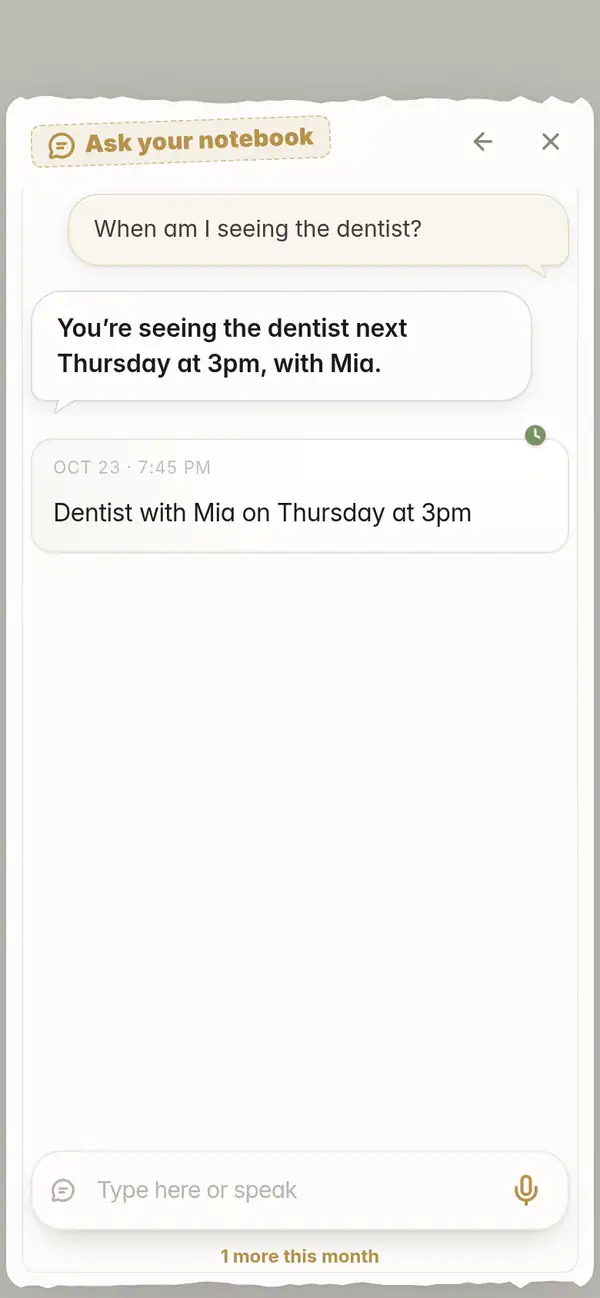
Ask for it in your own words
Type or say what you remember: "What time is my flight on Friday?" Your notes answer back.
The notes you wrote in a hurry are as easy to find as the ones you wrote carefully.
See what you wrote, day by day
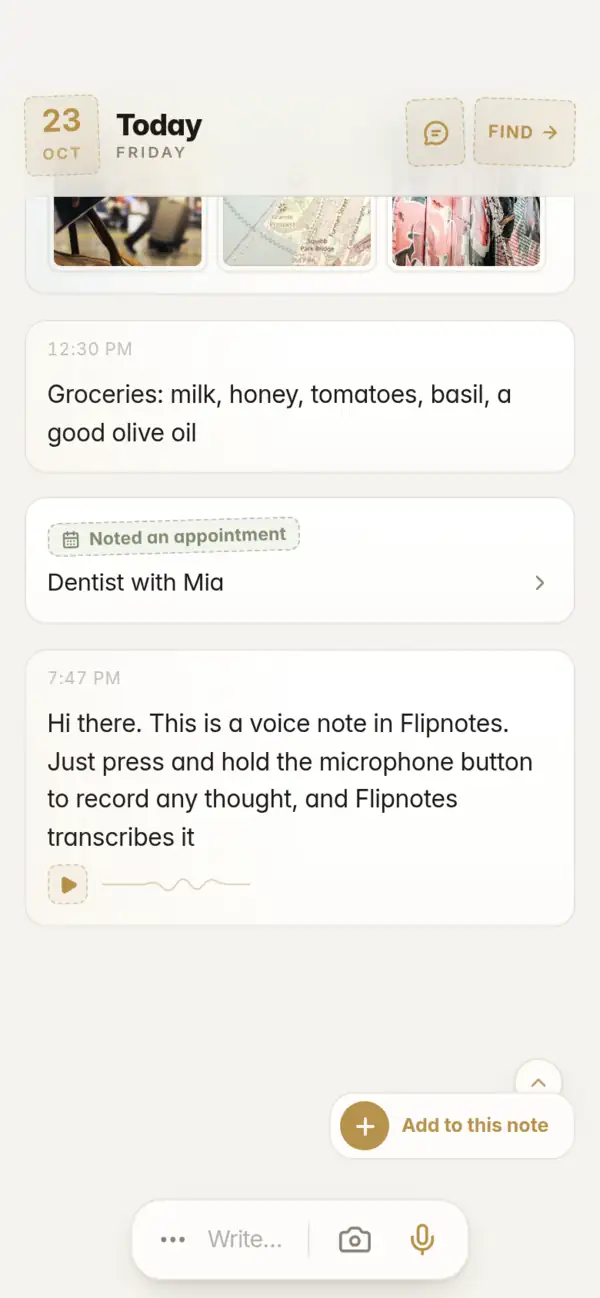
Every day has its own page, with the notes you saved on it. Scroll back through your days like a diary.
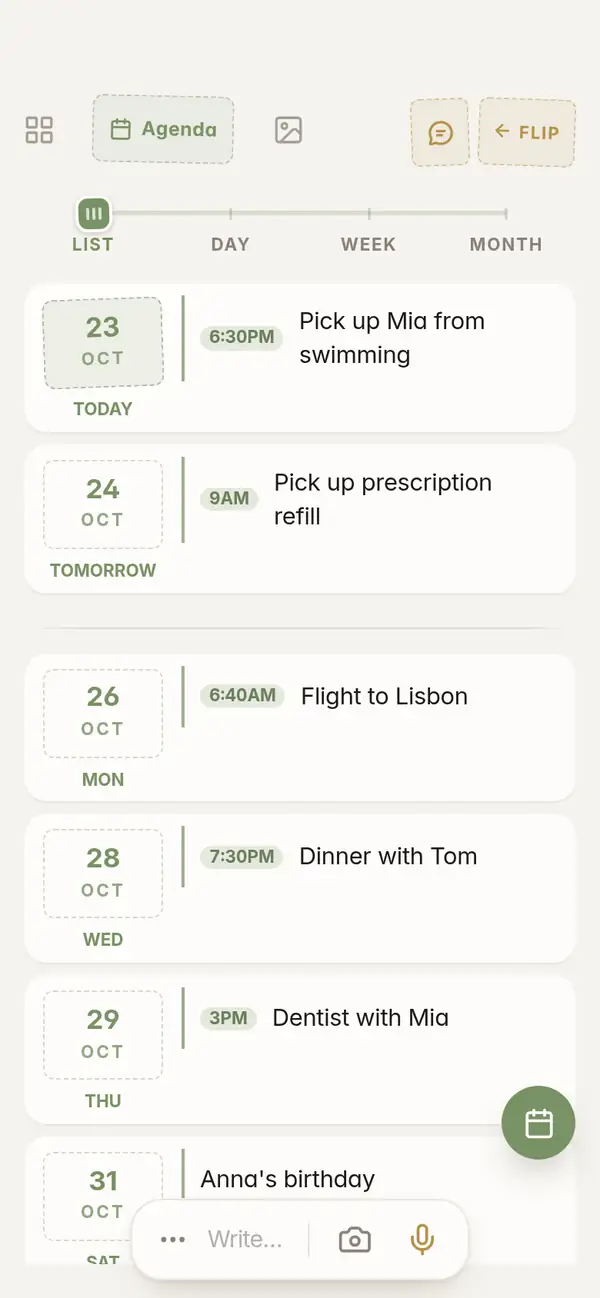
Notes with a date in them also show up in your agenda on that day.
Quick to save, and filed for you
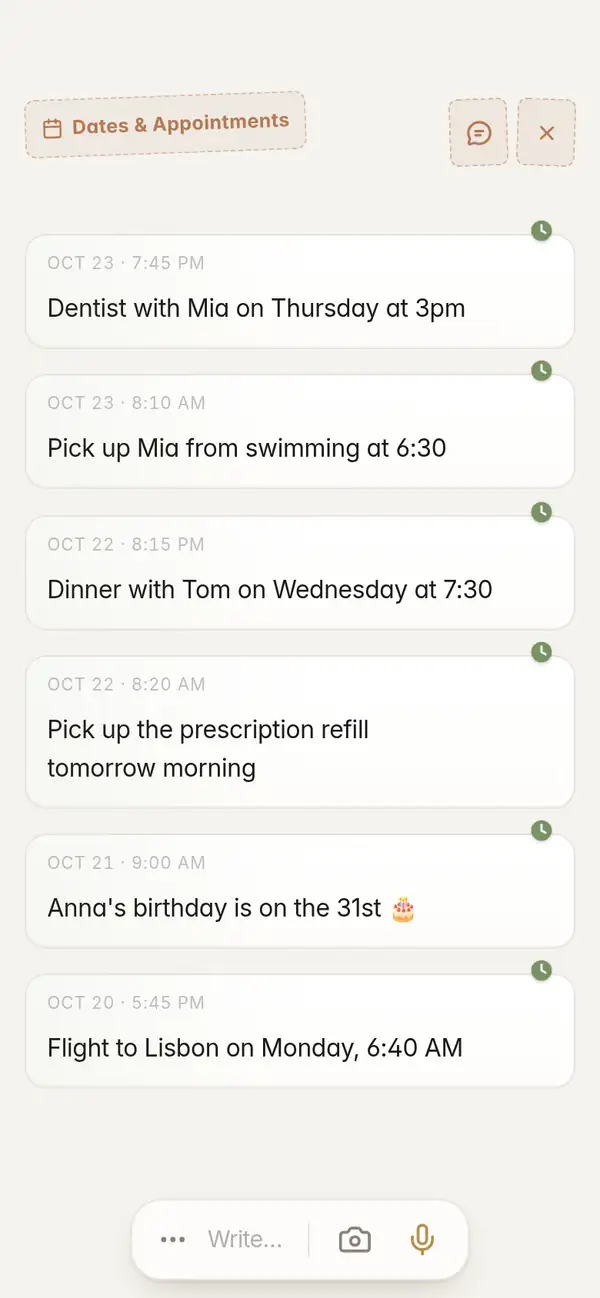
Nobody should have to pick a folder while the thought is still fresh. Flipnotes reads each note and puts it in one or more of over thirty categories, like Dates & Appointments, Health, Travel and People.
If a note has a date in it, it goes in your agenda too.
"Dentist with Mia on Thursday at 3pm"
Goes intoDates & AppointmentsHealthPeopleIn your agenda on Thursday at 3 PM.
"Flight to Lisbon on Friday at 6:40 AM"
Goes intoDates & AppointmentsTravel"Pay the car insurance by the 30th"
Goes intoDates & Appointments
Pro, if you use it all day
Everything on this page comes with every plan. Pro just gives you more room.
- Voice notes up to 5 minutes long (2 minutes on Personal)
- 5,000 photos a year (2,000 on Personal)
- 20 GB of storage (4 GB on Personal)
- Up to 2,000 questions a month to your notebook (280 on Personal)
Common questions
What is the fastest way to take a note on a phone?
Have the writing field open the moment you open the app. In Flipnotes the writing bar is on the day page, so you open the app, type and tap Save. You can also tap the mic and talk.
Do I have to choose a folder?
No. Flipnotes puts each note in the right categories after you save it, so you can just write.
Can I find old notes quickly?
Yes. Search for a word in the note, or ask in your own words. You can also roll the dice and open a random note.
Can I take a note by voice?
Yes. Tap the mic in the writing bar and talk. Flipnotes types it out and keeps the recording.
Does it work on iPhone and Android?
Yes, and on your computer too: just open flipnotes.life in your browser. Your notes are the same everywhere.
Can I try it first?
Yes, your first month is free. After that you pick a plan.
Time your next note
Install Flipnotes, open it and write something down. Three steps, and it is filed.


Flipnotes is also for
- Flipnotes for real estate agentsPhotos of every property, pinned on a map, sorted for you.
- Flipnotes for house huntingKeep every house you see apart, with its photos and its place on the map.
- Flipnotes for lawyersDictate after a meeting and ask your notebook about any client.
- Flipnotes for busy peopleType one line and it's in your calendar.
- Flipnotes for journalingSay what's on your mind and flip back through your days.
Compare Flipnotes with other apps
- Flipnotes vs Google KeepSave anything in one or two taps, and get it sorted, dated and on a map.
- Flipnotes vs Apple NotesThe same quick notes, sorted for you, on iPhone, Android and any computer.
- Flipnotes vs TodoistYour tasks with your notes, an agenda, My day and a DONE stamp.
- Flipnotes vs EvernoteNo notebooks or tags to manage: write it down and it's filed.
- Flipnotes vs ObsidianOpen it and write. No vault, links or plugins to set up first.
- Flipnotes vs NotionA notebook for quick notes on your phone, not a database to build.
- Flipnotes vs Google Calendar and OutlookAdding an appointment: one line in Flipnotes, a form in a calendar app.