Flipnotes vs Apple Notes
Apple Notes is fine for typing something down on an iPhone. Then the sorting is up to you. In Flipnotes you type, tap Save, and the note files itself. Dates go into your agenda, and it runs on iPhone, Android and any computer.
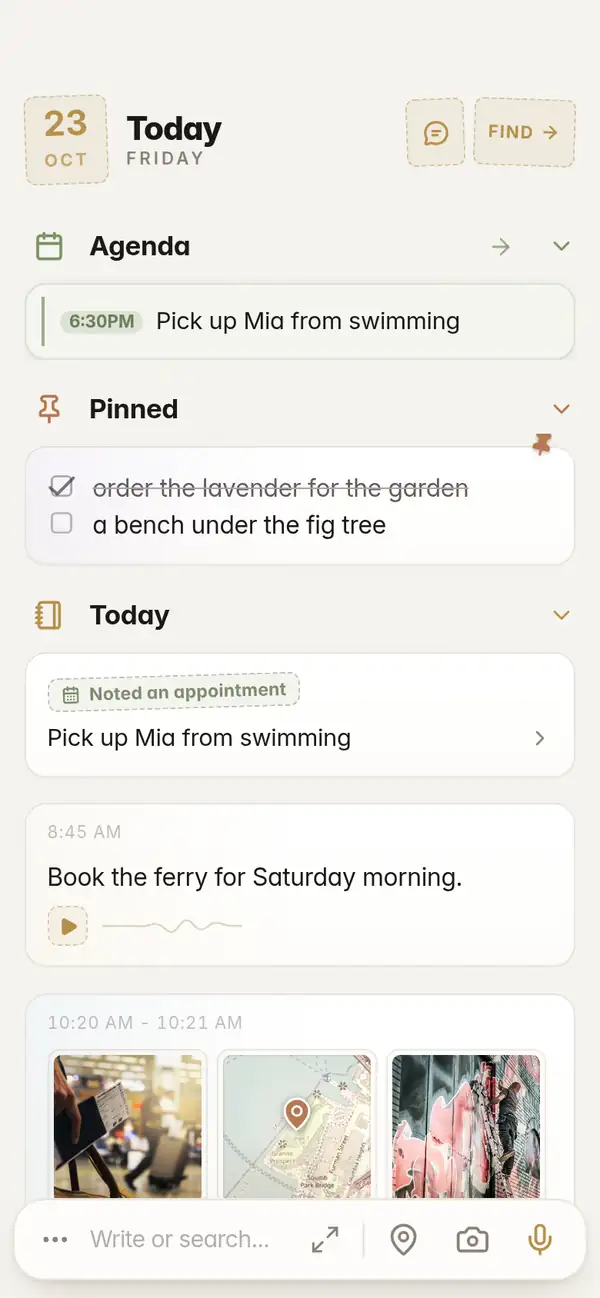
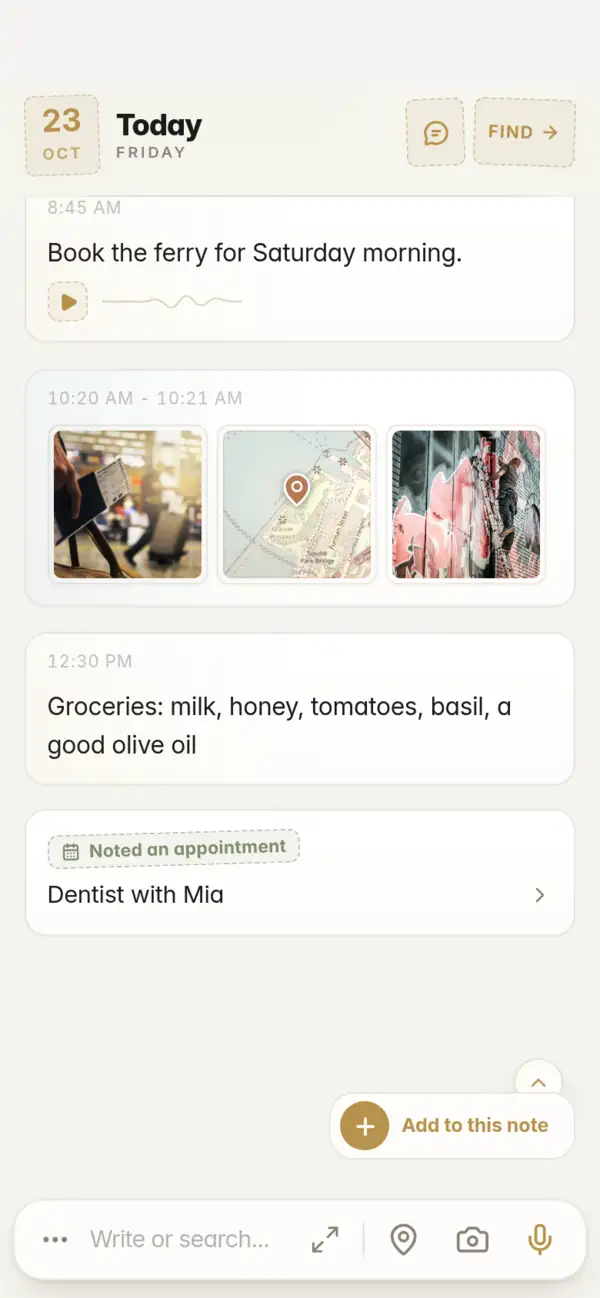
- To us, Apple Notes feels like a filing job you do yourself.
- Flipnotes files each note for you. No folders, no tags.
- A date in a note puts it in your agenda.
- iPhone, Android and any computer, Windows too.
Where do your notes end up?
Every notes app is good at the first part. You open it, you type, the note is saved. The trouble starts with hundreds of notes and one you can't find in the pile.
Apple Notes gives you folders and tags and leaves the sorting to you. To us that is homework after every note. Flipnotes does it for you. You save the note and it goes into the right categories. If the note has a date in it, the date goes into your agenda.
One typed note, saved and sorted
The steps to write one note on your phone and have it sorted so you can find it later.
Apple Notes
- 1Open the app
- 2Tap the new note button
- 3Type
- 4Pick a folder or add a tag, if you want it sorted
Flipnotes
- 1Open the app. The writing bar is already there
- 2Type
- 3Tap Save
Same number of taps to get the note down, but in Flipnotes that is the whole job. The note is filed after you tap Save.
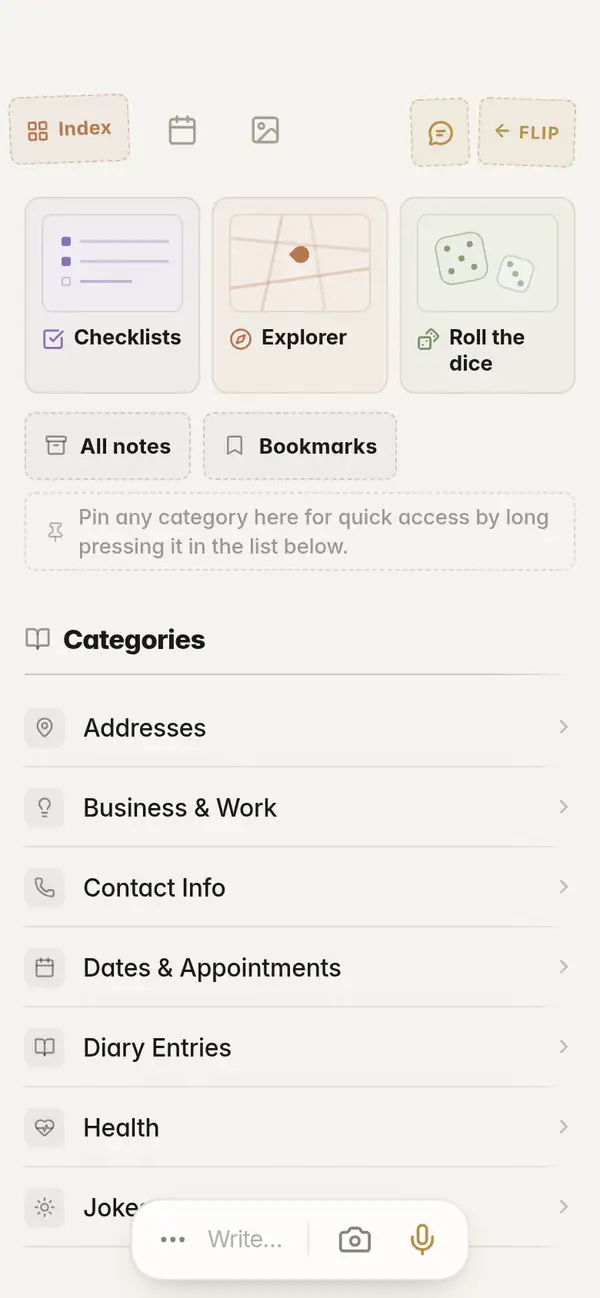
Open the app and write
Flipnotes opens on today's page with the writing bar at the bottom. No new-note button to find. Type and tap Save.
The same bar has a mic, a camera and a pin. Talk, snap a photo or add where you are, right there.
More about voice notesWrite it once. It is in your agenda.
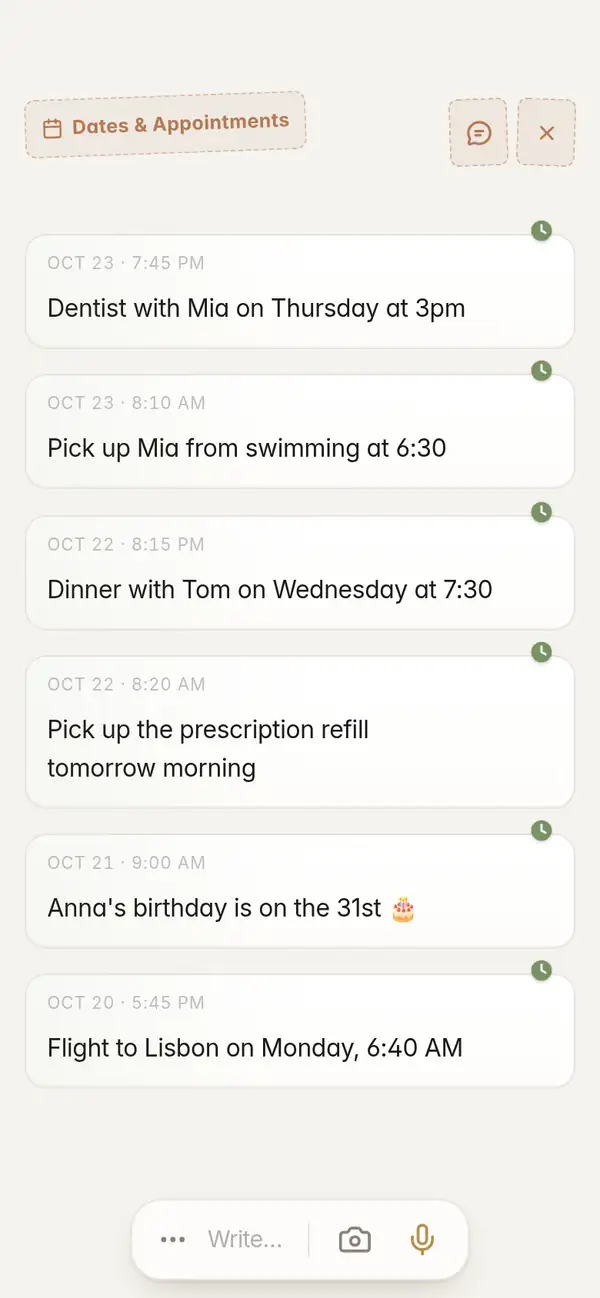
Write "Dentist with Mia on Thursday at 3pm" as a normal note. Flipnotes sees the day and the time and puts it in your agenda and your calendar.
No event to create, no form to fill in. The note you wrote is the appointment.
More about the agenda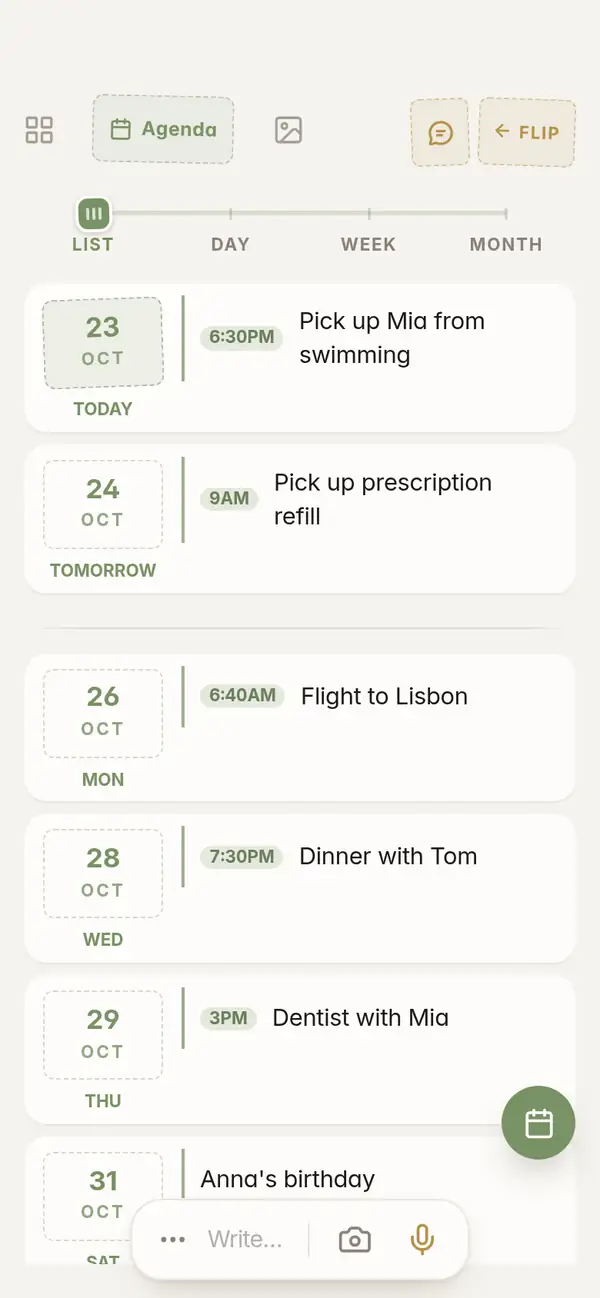
Open a note from the past
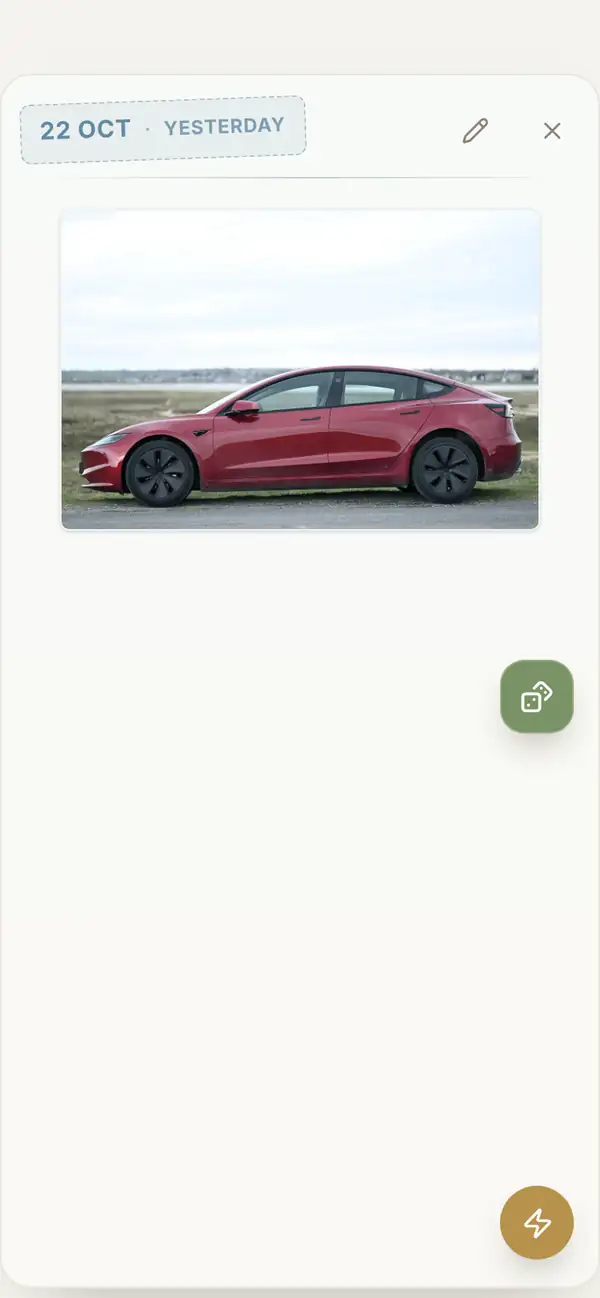
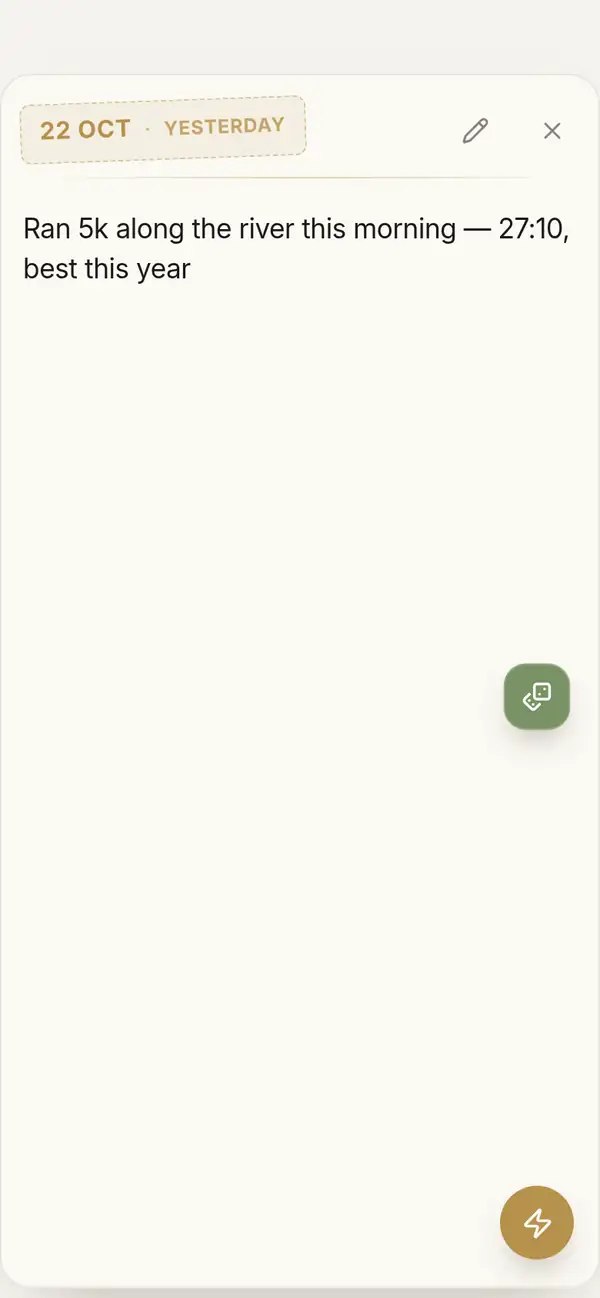
Tap Roll the dice and Flipnotes opens a random old note. A recipe, a plan, something you wrote years ago and forgot. Old notes are worth reading again.
Keep tapping to see the next one.
Notes with the place they were written
Tap the pin before you save and the note keeps where you were. Think of the restaurant you want to go back to.
Open the map and you see a pin for each place. Tap one to open the note.
More about locations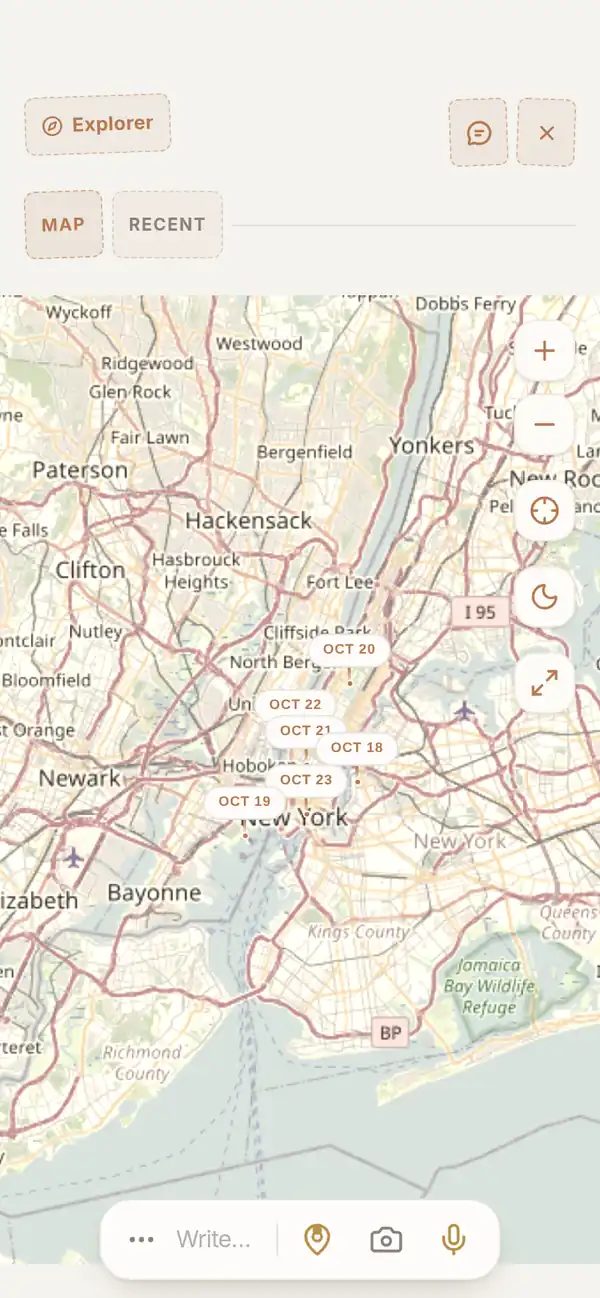
iPhone, Android and any computer
Flipnotes has an app for iPhone and an app for Android. On a computer, open flipnotes.life in your browser, on Windows, Mac or Linux. Apple lists Notes for its own devices: iPhone, iPad, Apple Watch and Apple Vision.
Your notes are the same on all of them. Write on your phone, read them on your work PC.
More about the web app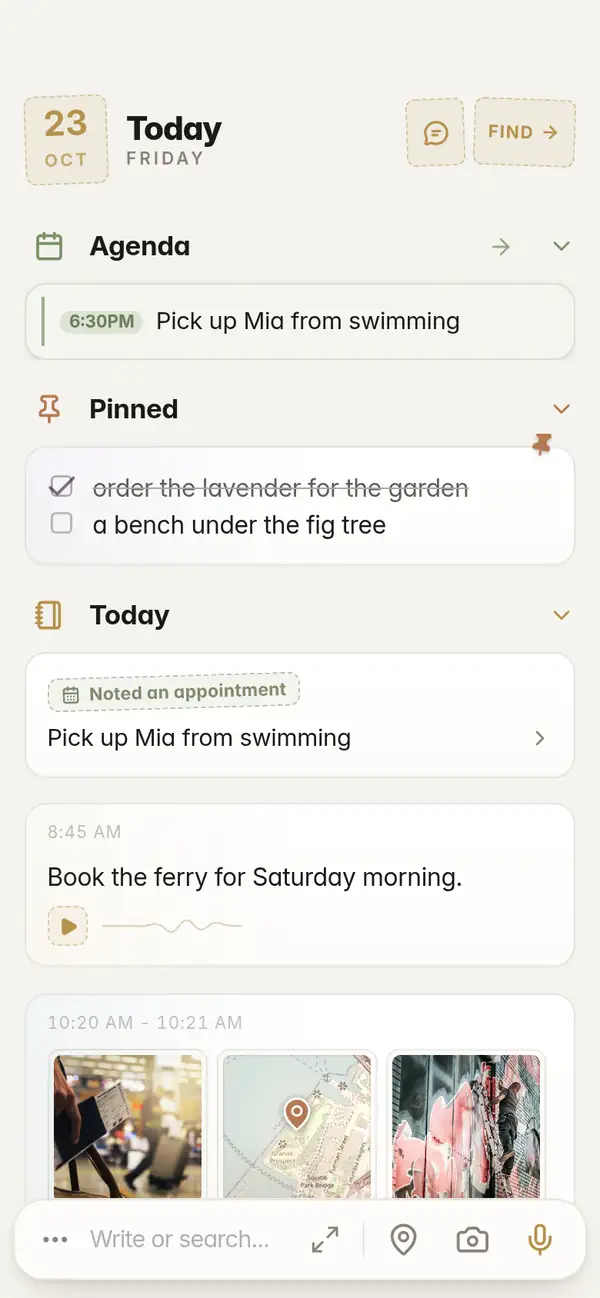
You write it. Flipnotes files it.
Each note goes into one or more of over thirty categories, like Dates & Appointments, Health, Travel and People. There are no folders to make and no notes to drag around.
If the note has a date in it, it is in your agenda on that day. Apple Notes stops at the folder.
"Dentist with Mia on Thursday at 3pm"
Goes intoDates & AppointmentsHealthPeopleIn your agenda on Thursday at 3 PM.
"Flight to Lisbon on Friday at 6:40 AM"
Goes intoDates & AppointmentsTravel"Pay the car insurance by the 30th"
Goes intoDates & AppointmentsIn your agenda on the 30th.
"Dinner with Tom on Wednesday at 7:30"
Goes intoDates & AppointmentsPeople
Pro, if you use it all day
Everything on this page comes with every plan. Pro just gives you more room.
- Voice notes up to 5 minutes long (2 minutes on Personal)
- 5,000 photos a year (2,000 on Personal)
- 20 GB of storage (4 GB on Personal)
- Up to 2,000 questions a month to your notebook (280 on Personal)
Common questions
Can I use Flipnotes on Android or Windows?
Yes. There is an Android app, and on Windows or any other computer you open flipnotes.life in your browser. Your notes are the same everywhere.
Do I have to make folders like in Apple Notes?
No. Flipnotes puts each note in its categories after you save it. You can still search or open a category whenever you like.
Does Apple Notes have a way to open notes on a computer that isn't a Mac?
Apple says you can use iCloud from any browser, so there is a way in. Flipnotes also has an Android app, and its web app works on any computer.
Do dates in my notes show up anywhere?
Yes. When a note has a day or a time in it, Flipnotes puts it in your agenda and your calendar.
Does it work on iPhone and Android?
Yes, and on your computer too: just open flipnotes.life in your browser. Your notes are the same everywhere.
Can I try it first?
Yes, your first month is free. After that you pick a plan.
Try your next note here
Install Flipnotes and write one note with a date in it. Then look at your agenda. You will not have sorted anything.


Flipnotes is also for
- Flipnotes for real estate agentsPhotos of every property, pinned on a map, sorted for you.
- Flipnotes for house huntingKeep every house you see apart, with its photos and its place on the map.
- Flipnotes for lawyersDictate after a meeting and ask your notebook about any client.
- Flipnotes for busy peopleType one line and it's in your calendar.
- Flipnotes for journalingSay what's on your mind and flip back through your days.
Compare Flipnotes with other apps
- Flipnotes vs Google KeepSave anything in one or two taps, and get it sorted, dated and on a map.
- Flipnotes vs TodoistYour tasks with your notes, an agenda, My day and a DONE stamp.
- Flipnotes vs EvernoteNo notebooks or tags to manage: write it down and it's filed.
- Flipnotes vs ObsidianOpen it and write. No vault, links or plugins to set up first.
- Flipnotes vs NotionA notebook for quick notes on your phone, not a database to build.
- Flipnotes vs Apple Notes, Evernote and OneNoteHow many steps it takes to save a note in each, side by side.
- Flipnotes vs Google Calendar and OutlookAdding an appointment: one line in Flipnotes, a form in a calendar app.