The notes app for real estate agents
Take the photos, pin the location, say what you thought. Flipnotes puts it all in the right place.
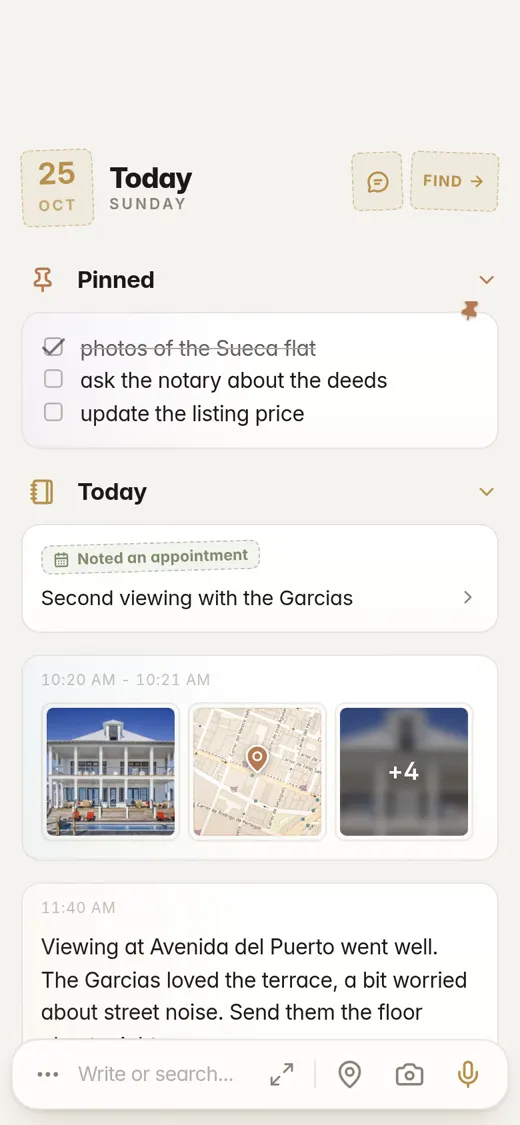
You don't have time to type between viewings
Most of your day is spent in the car or on someone's doorstep. You show four or five places, meet owners and buyers, and promise things on the way out. Half of it never gets written down, because typing on a phone takes too long. And the photos end up in your camera roll, somewhere between a birthday party and a parking ticket.
Flipnotes is a notebook built for days like that. A note takes a couple of seconds. Type it, say it or take a photo, and Flipnotes works out where it belongs: house photos go under Real Estate, a For Sale sign under Advertising, the owner's number under Contact Info. No folders, no tags.
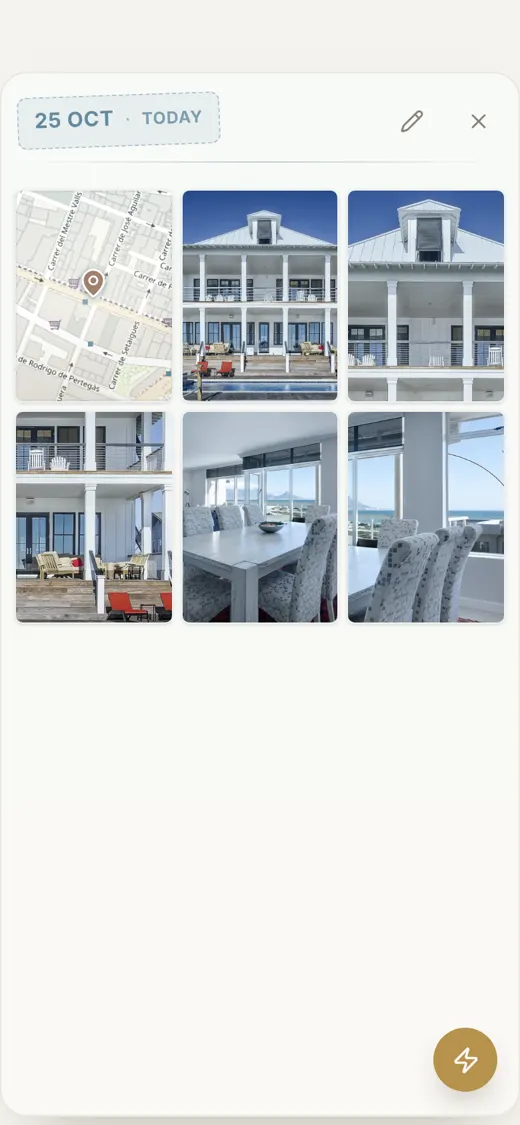
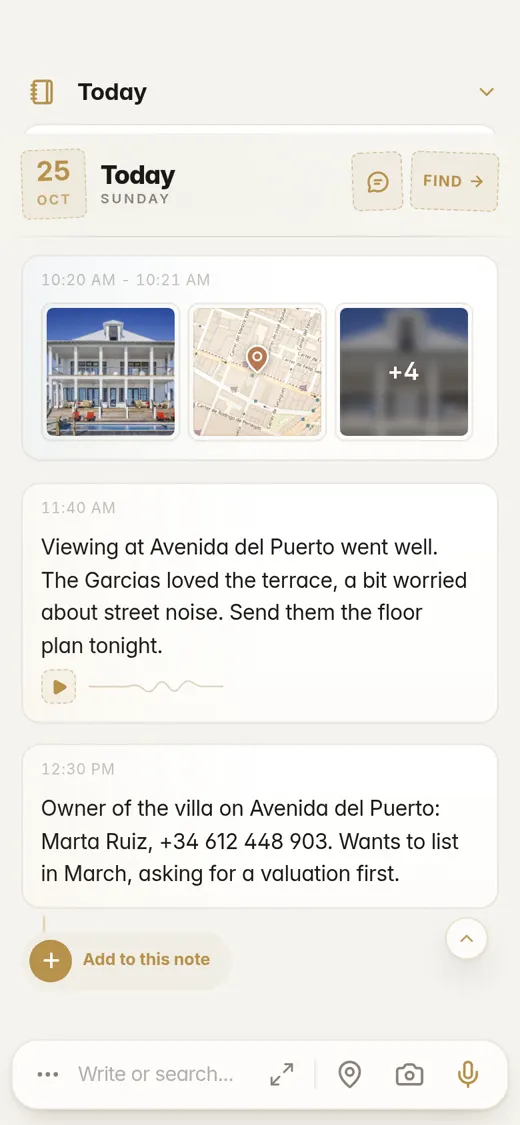
Shoot the whole house, get one note
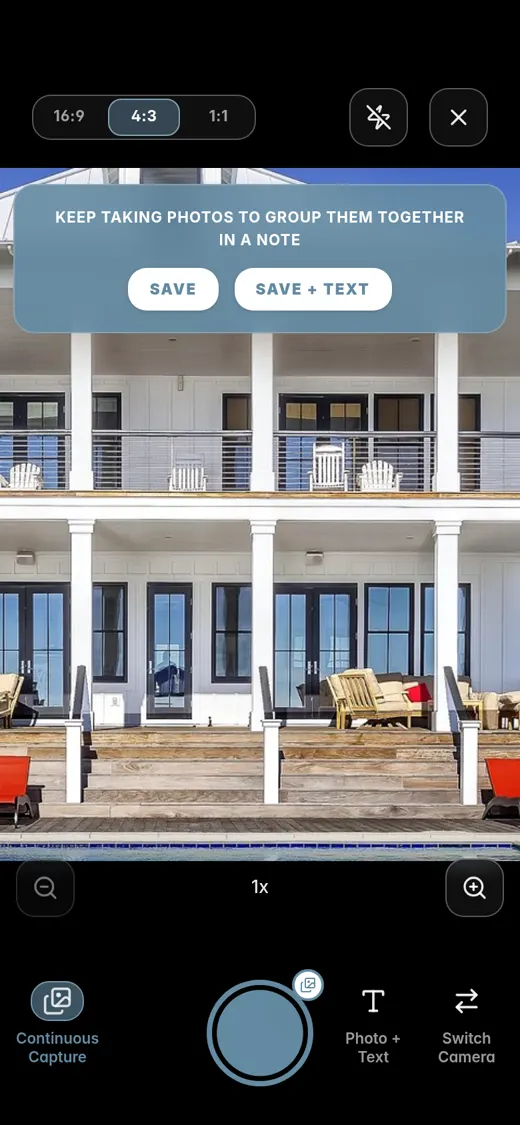
Turn on Continuous Capture and keep tapping the shutter: the front, the kitchen, the garden, the crack in the bathroom tiles. Hit Save and they all go into one note.
Then add the location, a quick line or a voice note to the same note, so everything about that house is in one place.
- No waiting between shots
- Save + Text lets you add a line right away
- Add to previous puts more photos into a note you've already started
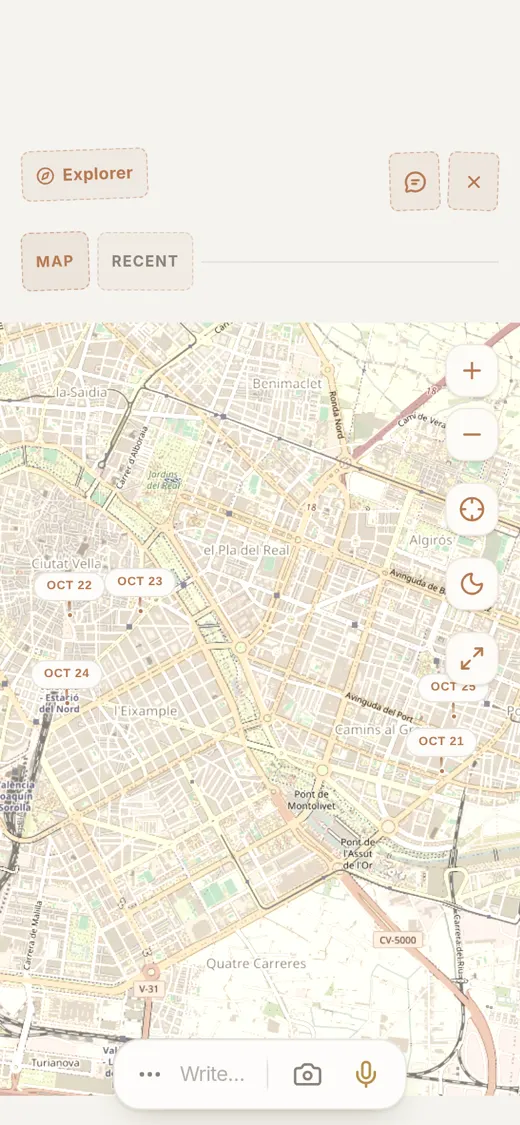
See every viewing on a map
Tap the pin in the writing bar and your next note remembers where you're standing. Forgot? Tap Add to this note, then Location.
Everything you save with a location shows up on the Explorer map. A month later, tap the pin on that street and the photos and notes from that viewing come straight up.
Say it in the car, read it later
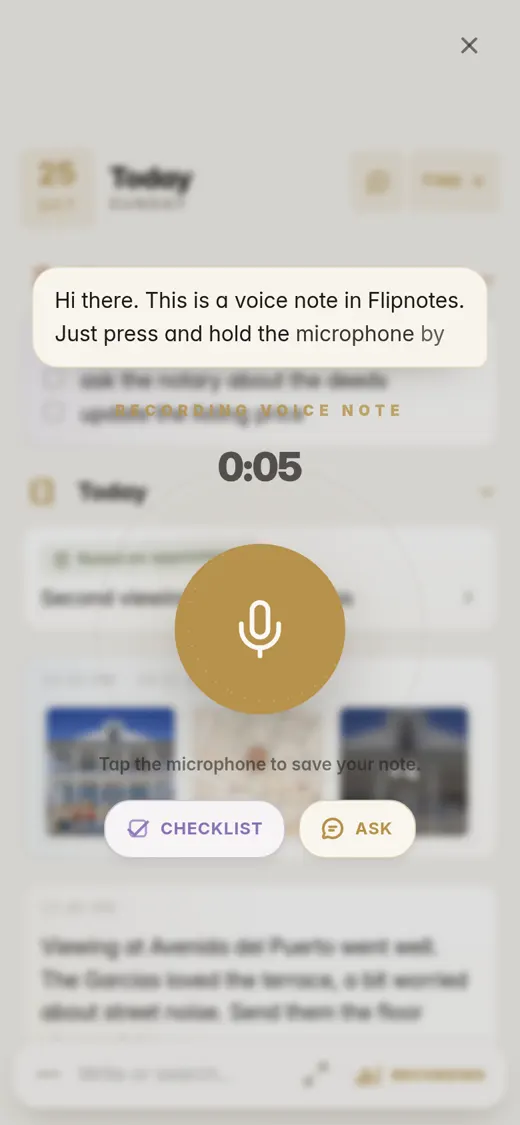
Tap the mic and just talk: who turned up, what they liked, what you said you'd send them. Flipnotes types it out as you go and keeps the recording too.
Rather use your phone's own dictation? That works in every text box in the app.
Everything ends up in the right place
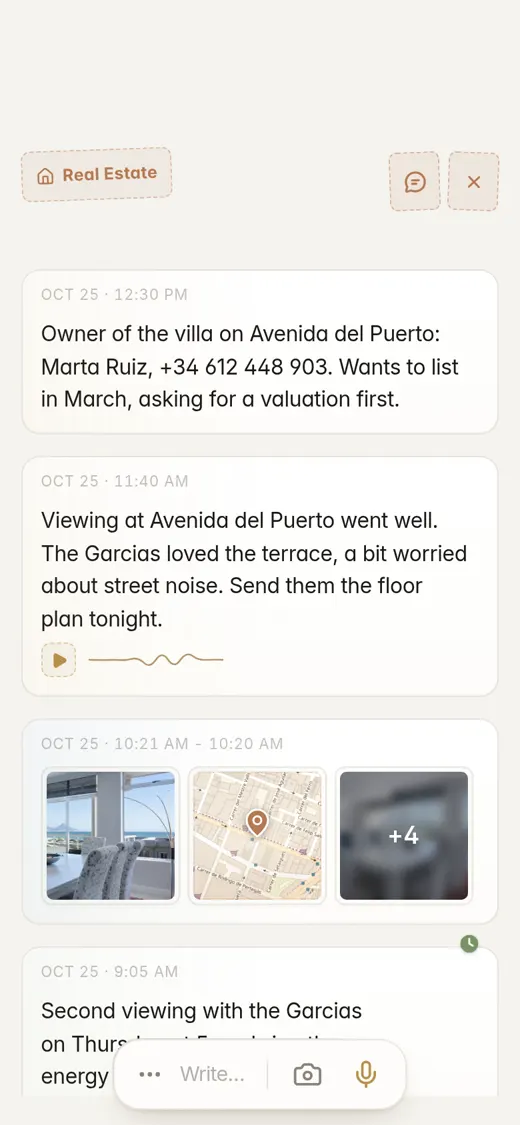
Flipnotes reads every note and photo as you save it and puts it in one or more of over thirty categories. For agents, the useful ones are Real Estate, Advertising, Numbers, Contact Info and Dates & Appointments.
If a note has a date in it, it goes in your agenda too. Write "second viewing Thursday at 5pm" and it's there on Thursday. No calendar app needed.
Search finds any note from a word in it, and any photo from what's in it.
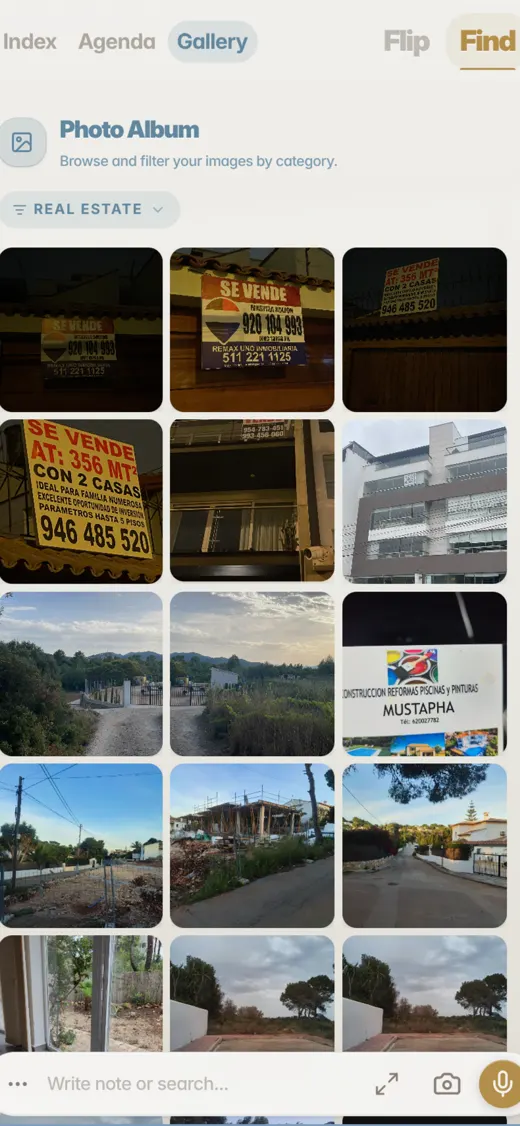
Photos of a house, inside and out
Goes intoReal EstateA photo of a For Sale sign with a phone number on it
Goes intoAdvertisingNumbersA photo of a builder's business card
Goes intoBusiness Cards"Owner of the villa on Avenida del Puerto: Marta Ruiz, +34 612 448 903. Wants to list in March."
Goes intoReal EstateContact InfoPhone NumbersMarch shows up in your agenda.
"Second viewing with the Garcias on Thursday at 5pm"
Goes intoDates & AppointmentsReal EstateIt's in your agenda on Thursday at 5 PM.
"Garcias: budget around 650k, need 3 bedrooms and outdoor space"
Goes intoReal Estate
Pro, if you use it all day for work
Everything on this page comes with every plan. Pro just gives you more room.
- Voice notes up to 5 minutes long (2 minutes on Personal)
- 5,000 photos a year (2,000 on Personal)
- 20 GB of storage (4 GB on Personal)
- Up to 2,000 questions a month to your notebook (280 on Personal)
Common questions
How fast is it to take a note?
Open the app and start typing, or tap the mic and talk. A photo takes two taps. You can be back in the car in seconds.
How do I see just the house photos?
Open the Gallery and pick Real Estate. Flipnotes only has the photos you put in it, so you see your viewings, not your whole camera roll.
Can I find a property months later?
Yes. Search for the street, the client's name or something that was on the sign. Or tap the place on the map, or just ask your notebook: "What was the Garcias' budget?"
Can I use it next to my CRM?
Yes. Flipnotes is where things go first, while you're out: the photos, where the house is, what the buyer said. Put what matters in your CRM later and keep the rest in Flipnotes, where you can search it.
Does it work on iPhone and Android?
Yes, and on your computer too: just open flipnotes.life in your browser. Your notes are the same everywhere.
Which plan do I need?
Personal has everything on this page. If you record long voice notes or take a lot of photos every day, Pro gives you more room.
Can I try it first?
Yes, your first month is free. After that you pick a plan.
Try it on your next viewing
Install Flipnotes, take your photos, pin the location and say what you thought. Then see where it all ended up.