The notes app for house hunting
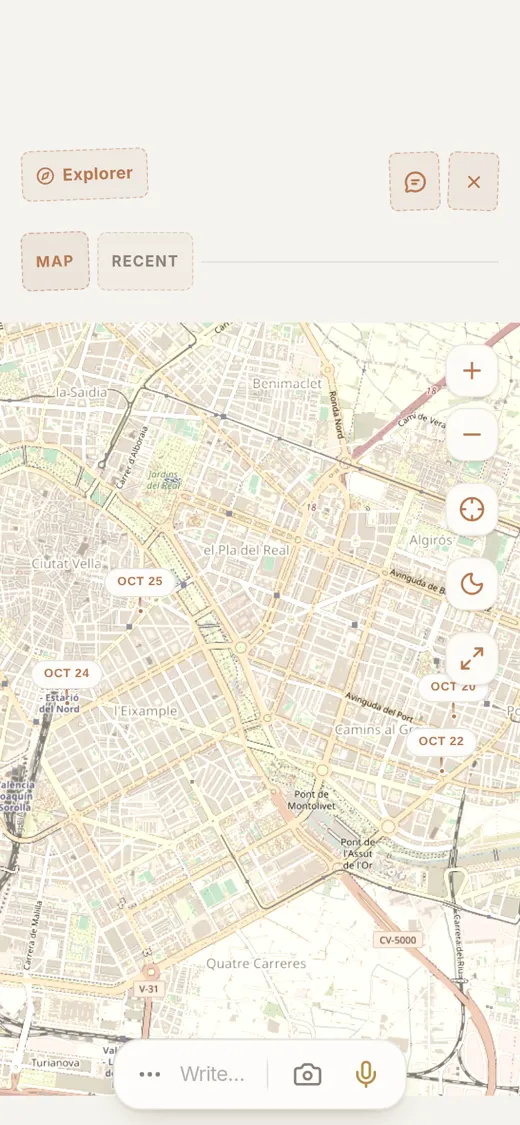
Photos, a pin on the map and your notes for every house. A week later you still know which one had the terrace.
After the fifth viewing they all look the same
You see a flat on Saturday morning, two houses in the afternoon and another one on Tuesday after work. By the weekend you can't remember which one had the small kitchen, which agent said the price could come down, or where you took that photo of the garden.
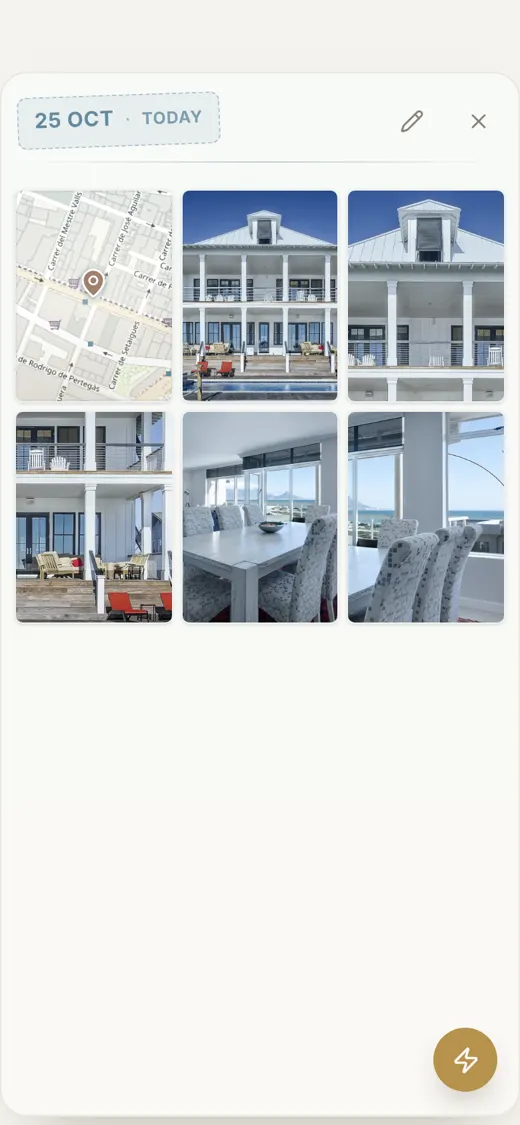
With Flipnotes each house stays in one note: the photos, the pin on the map, and anything you type or say about it. Flipnotes files it under Real Estate, so your house hunt doesn't get lost among everything else on your phone.
All the photos of a house, in one place
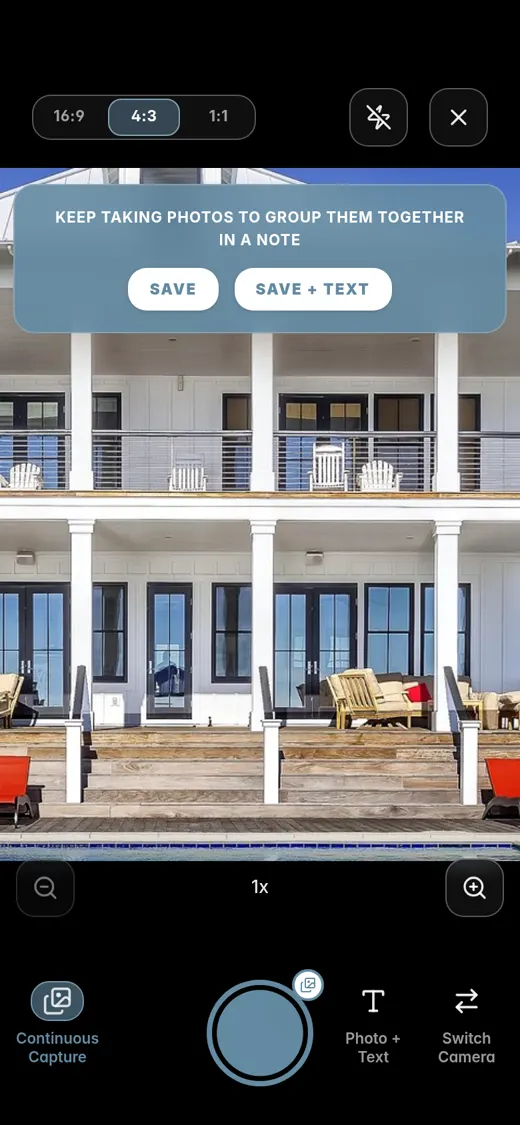
Turn on Continuous Capture and walk through the house: the front, the kitchen, the bedrooms, the view from the balcony. Hit Save and they all go into one note.
Then tap Add to this note and pick Location, so you know exactly where the house is. A quick line or a voice note can go in the same note.
Write down what the agent tells you
The price, the floor, whether there's a lift, the agent's name and number. Type it while you're standing in the kitchen. If you mention a day for the next viewing, it goes in your agenda.
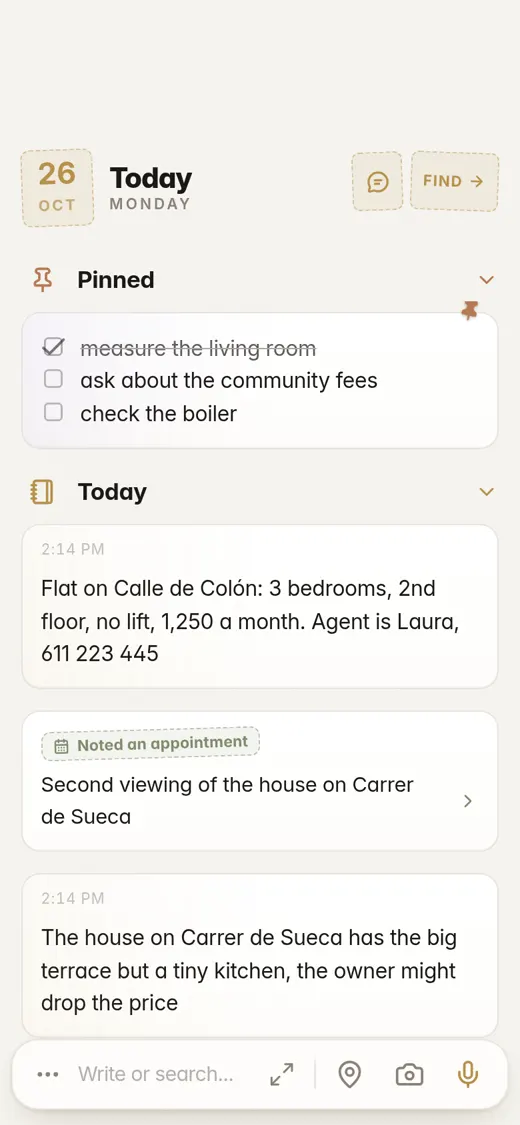
All your house photos together
Open the Gallery and you see the photos from every viewing, by day. When you're comparing two places, they're both right there.
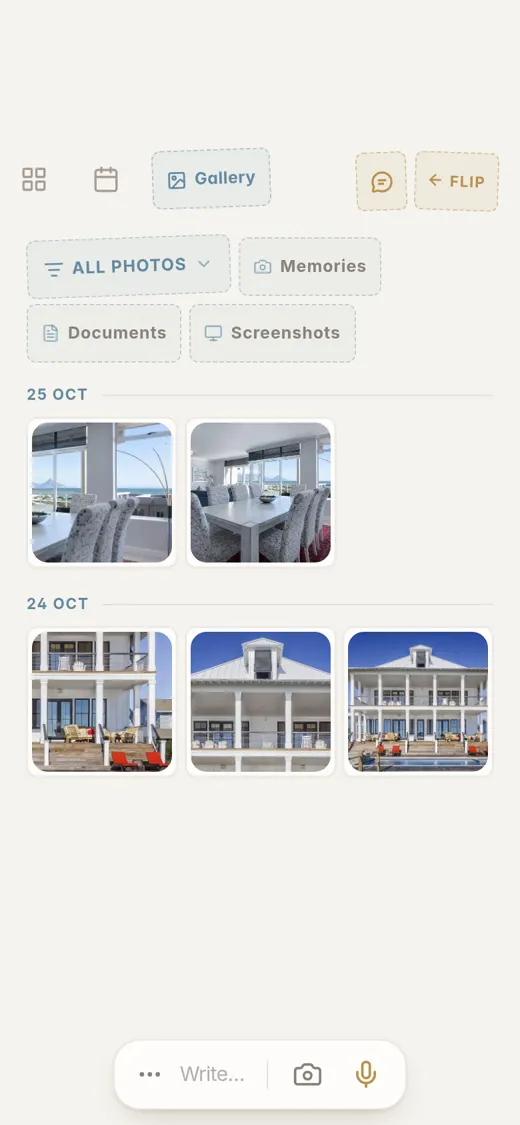
Everything ends up in the right place
Flipnotes reads every note and photo as you save it and puts it in one or more categories. House photos and notes about a property go under Real Estate. A phone number goes under Phone Numbers too.
A note with a date in it also goes in your agenda, so the second viewing on Saturday is there on Saturday.
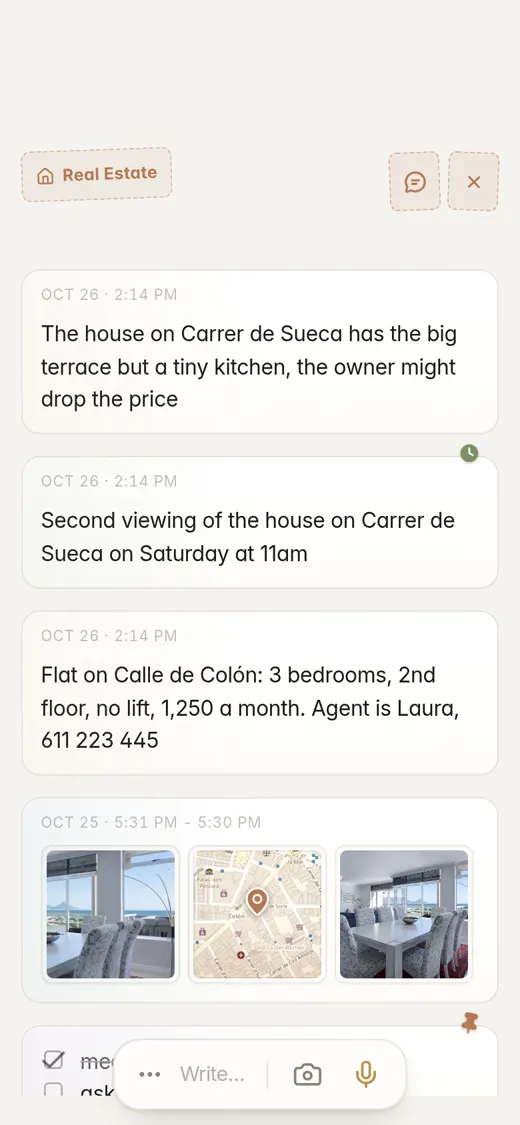
Photos of a house, inside and out
Goes intoReal Estate"Flat on Calle de Colón: 3 bedrooms, 2nd floor, no lift, 1,250 a month. Agent is Laura, 611 223 445"
Goes intoReal EstateContact InfoPhone Numbers"Second viewing of the house on Carrer de Sueca on Saturday at 11am"
Goes intoReal EstateDates & AppointmentsIt's in your agenda on Saturday at 11 AM.
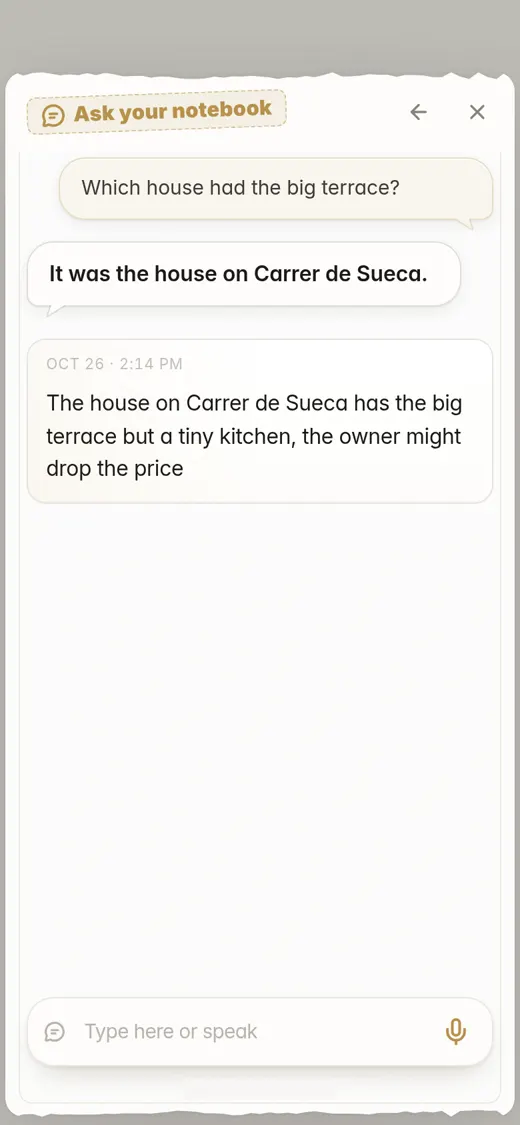
"The house on Carrer de Sueca has the big terrace but a tiny kitchen, the owner might drop the price"
Goes intoReal Estate
Pro, if you're seeing a lot of houses
Everything on this page comes with every plan. Pro just gives you more room.
- Voice notes up to 5 minutes long (2 minutes on Personal)
- 5,000 photos a year (2,000 on Personal)
- 20 GB of storage (4 GB on Personal)
- Up to 2,000 questions a month to your notebook (280 on Personal)
Common questions
Can I keep two house hunts apart, like buying and renting?
Write it in the note, like "rent" or "buy". Search finds every note with that word, and the map shows where each place is.
How do I find the photos of one house?
Tap its pin on the map, or search for the street you wrote down. The note opens with all the photos you took there.
Can I ask about a house I saw weeks ago?
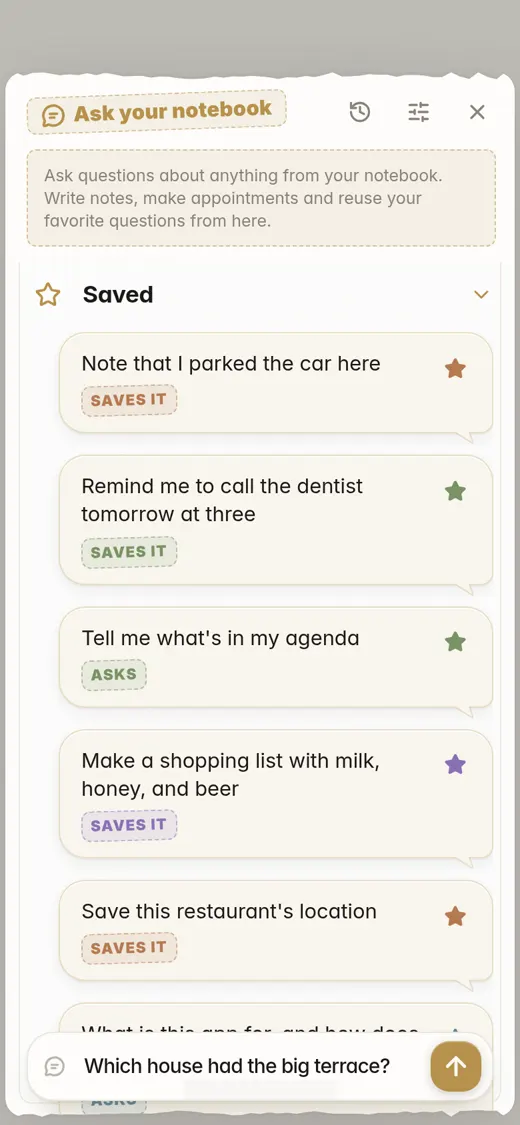
Yes. Ask your notebook something like "Which flat had no lift?" and it answers from your notes.
Does it work on iPhone and Android?
Yes, and on your computer too: just open flipnotes.life in your browser. Your notes are the same everywhere.
Can I try it first?
Yes, your first month is free. After that you pick a plan.
Take it to your next viewing
Install Flipnotes, photograph the house, pin the location and write down what you thought. Then compare them all at home.


Flipnotes is also for
- Flipnotes for real estate agentsPhotos of every property, pinned on a map, sorted for you.
- Flipnotes for lawyersDictate after a meeting and ask your notebook about any client.
- Flipnotes for busy peopleType one line and it's in your calendar.
- Flipnotes for journalingSay what's on your mind and flip back through your days.
Compare Flipnotes with other apps
- Flipnotes vs Google KeepSave anything in one or two taps, and get it sorted, dated and on a map.
- Flipnotes vs Apple NotesThe same quick notes, sorted for you, on iPhone, Android and any computer.
- Flipnotes vs TodoistYour tasks with your notes, an agenda, My day and a DONE stamp.
- Flipnotes vs EvernoteNo notebooks or tags to manage: write it down and it's filed.
- Flipnotes vs ObsidianOpen it and write. No vault, links or plugins to set up first.
- Flipnotes vs NotionA notebook for quick notes on your phone, not a database to build.
- Flipnotes vs Apple Notes, Evernote and OneNoteHow many steps it takes to save a note in each, side by side.
- Flipnotes vs Google Calendar and OutlookAdding an appointment: one line in Flipnotes, a form in a calendar app.